Where DeckDraftCAD Fits in the Rendered Outdoors Drawing Process
Rendered Outdoors is built around presentation visuals, but deck projects often need a drawing backbone too. DeckDraftCAD helps connect the estimate, plan set, and customer visualization workflow.
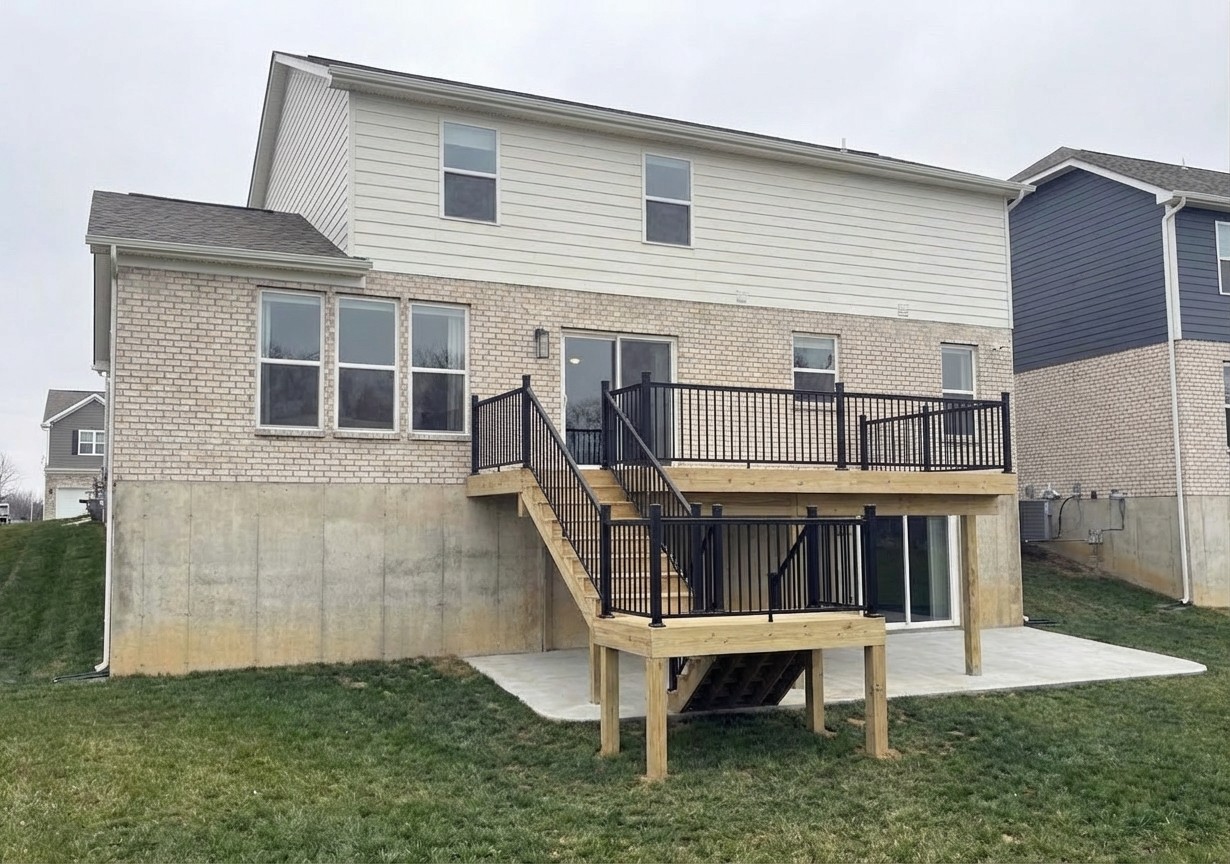
The gap between estimate and permit
Deck contractors spend a lot of time in the middle ground between a rough sales layout and a clean plan package. The customer needs to understand the project. The contractor needs something that can be priced and revised. The building department may need a plan set with framing, elevations, and details.
That gap is where many projects slow down. A sketch may be enough for a first conversation, but it is usually not enough for approvals, field communication, or a premium presentation. Rendered Outdoors helps with the visual side, and DeckDraftCAD supports the drawing side for deck-specific work.
What DeckDraftCAD does
DeckDraftCAD is a web-based deck drafting application built for contractors. It turns layouts and field measurements into deck-focused outputs like framing plans, decking plans, elevations, stair layouts, 3D previews, and material takeoff output. It is designed for contractors who need faster revisions and cleaner deck plan sets without starting from a blank CAD file.
The application also includes deck-specific guardrails such as span and cantilever warnings, standard detail output, 3D previews, and AI customer mockup tools. Those features do not replace engineering or local code review, but they can make the early drafting and presentation process more efficient.
How it helps Rendered Outdoors projects
When a Rendered Outdoors project includes deck drawings, DeckDraftCAD can keep the concept organized before the final visuals are polished. The same project information that supports the plan package can also support the customer-facing rendering, which reduces the chance that the rendering and drawing package tell two different stories.
- The contractor can send field measurements, photos, and a rough layout.
- The deck concept can be drafted into plan views and elevations.
- The 3D preview or drawing context can guide the final rendering angles.
- The customer receives visuals that are easier to connect back to the real scope.
Renderings and drawings have different jobs
A rendering is a sales and communication tool. It helps the homeowner understand the finished look and feel. A plan set is a technical communication tool. It helps support permitting, estimating, and field execution. The best contractor presentation uses both without confusing one for the other.
That is why DeckDraftCAD and Rendered Outdoors fit together. One side helps organize the deck as a buildable drawing package. The other side helps the homeowner see what they are being asked to approve.
Common Questions
Does DeckDraftCAD replace engineering?
No. DeckDraftCAD can help organize deck plans, previews, and material information, but local code requirements and engineering review still apply when required.
Why connect renderings to deck drafting software?
Connecting the drawing process to the visualization process helps keep customer-facing renderings aligned with the scope, layout, and plan package.
Sources and Further Reading
Related Resources
Want this kind of visual for your next proposal?
Send the rough layout, site photos, measurements, or customer sketch. I can help turn it into a polished rendering or drawing package.
Start a Project